
Install NAPLAN Locked down browser
WINDOWS DEVICES ONLY
1. Click here for the download link
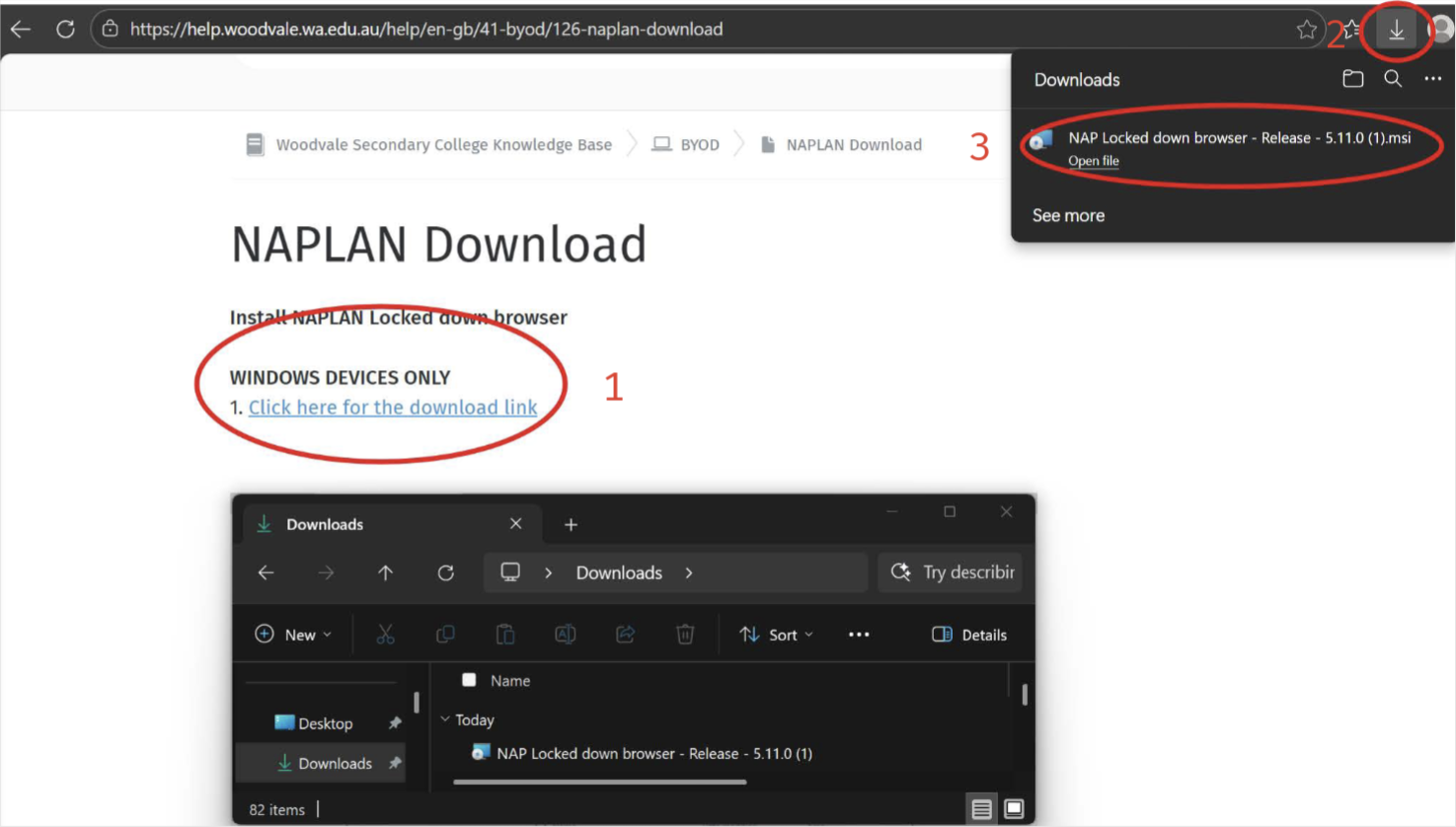
2. Click the small arrow in the top right to view downloaded files.
3. Select the NAP Locked down browser - Release - 5.11.0 file
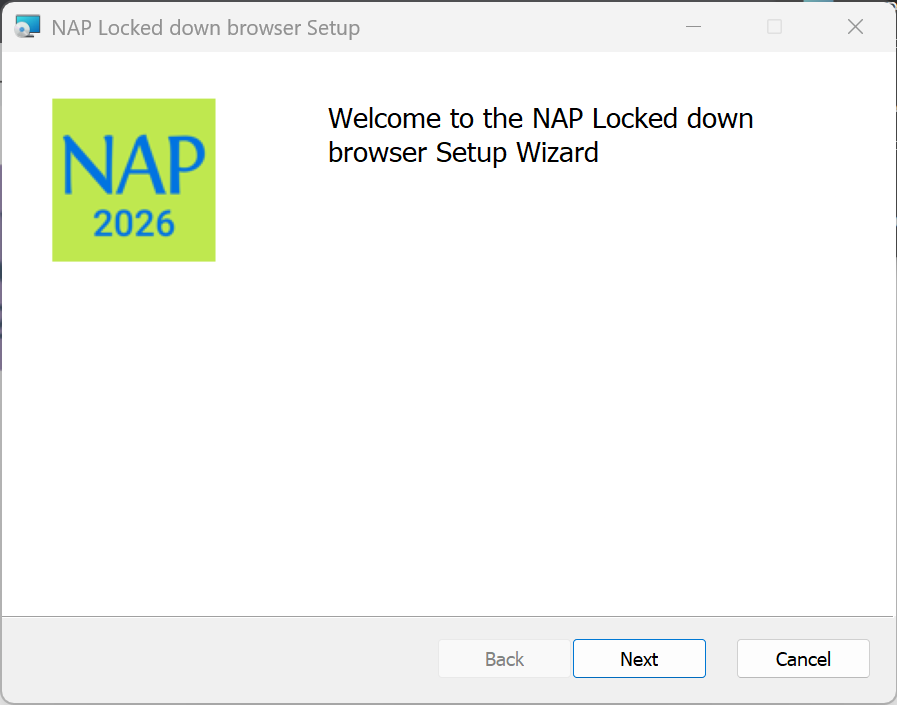 2. Select Next.
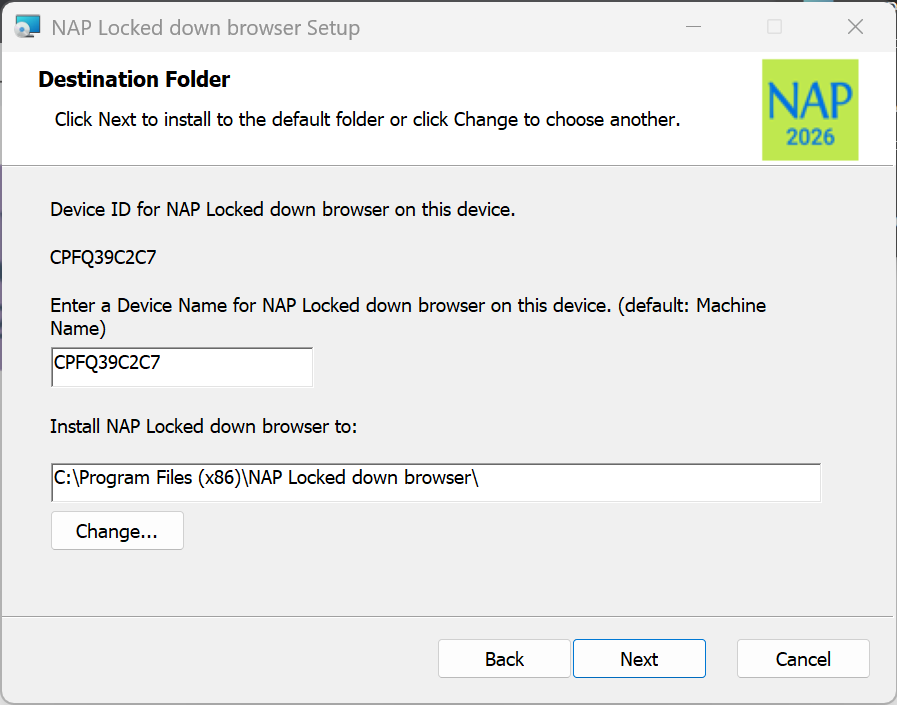 3. Select Next.
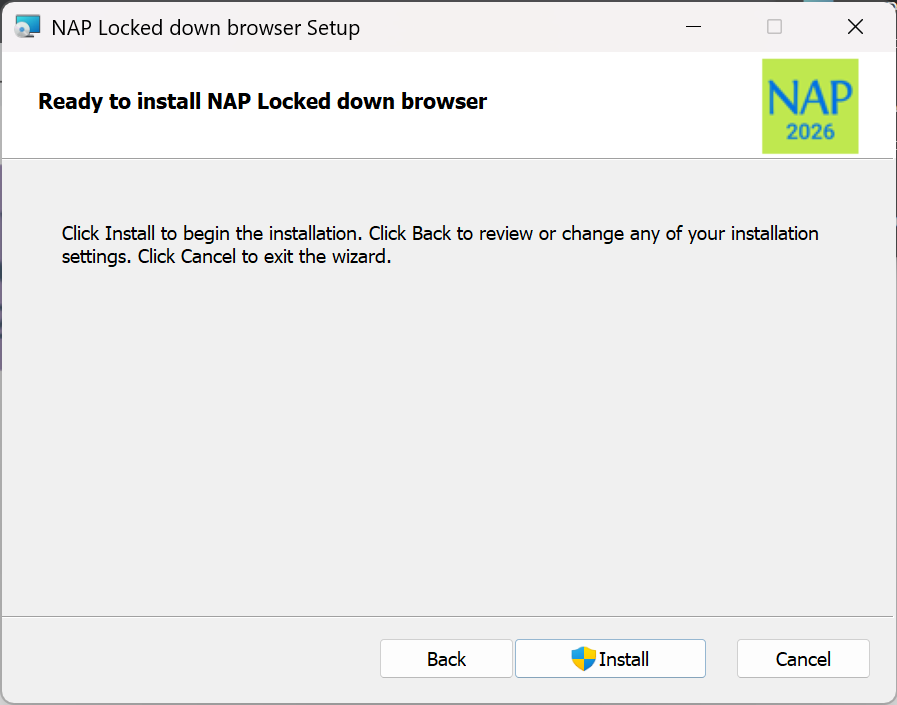 4. Select Install.
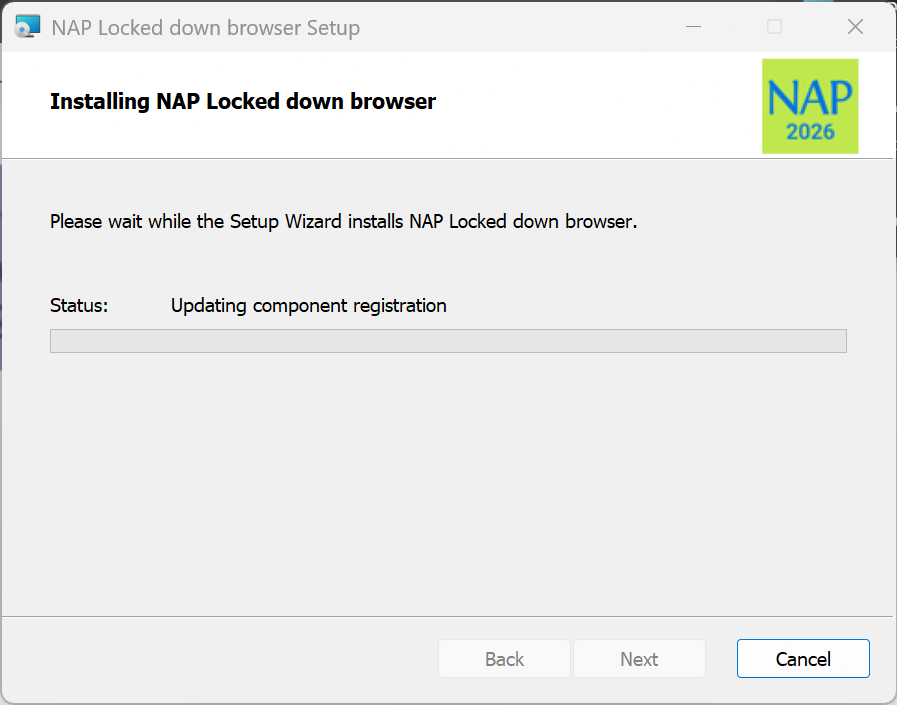 5. Wait for the installation to be completed.
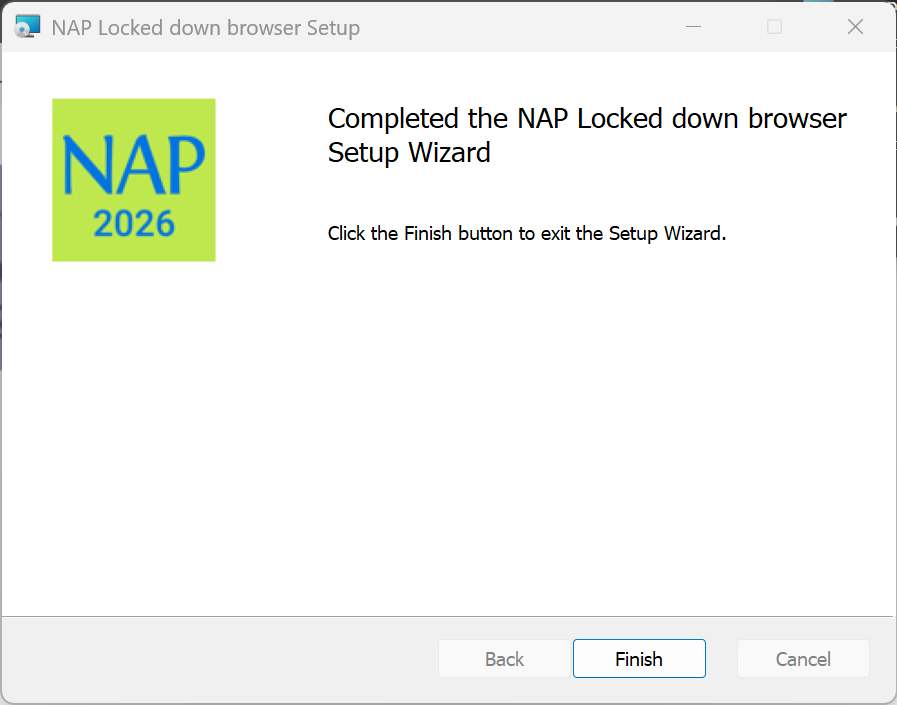 6. When the installer indicates that it has completed the installation, select Finish.
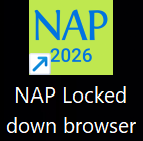 7. Verify that the NAP Locked down browser shortcut is available on the Desktop.
Other Devices E.G Apple Macbooks
https://pages.assessform.edu.au/uploads/files/Release/NAP%20Locked%20down%20browser%20-%20Release%20-%205.11.0.msi
1. Click here for the download link
2. Click the small arrow in the top right to view downloaded files.
3. Select the NAP Locked down browser - Release - 5.11.0 file
2. Select Next.
3. Select Next.
4. Select Install.
5. Wait for the installation to be completed.
6. When the installer indicates that it has completed the installation, select Finish.
7. Verify that the NAP Locked down browser shortcut is available on the Desktop.
Other Devices E.G Apple Macbooks